I tried to upgrade an NFS server to fix sync problems but…

     I tried to upgrade Iglulik’s nfs server to fix a common problem with NFS becoming resynchronized and it broke things worse, the 17.10 version won’t work with NFSv2 needed by Eskimo and some servers I use for user administration.  To make things work Ubuntu has removed 17.04 because it’s past end-of-life so I can’t easily go back.  I’ve got an install disk so I am trying to extract the necessary packages from it but it’s not easy.

    So the long and short is until I get this fixed, the eskimo.com shell server won’t be operational and I won’t be able to credit user accounts.

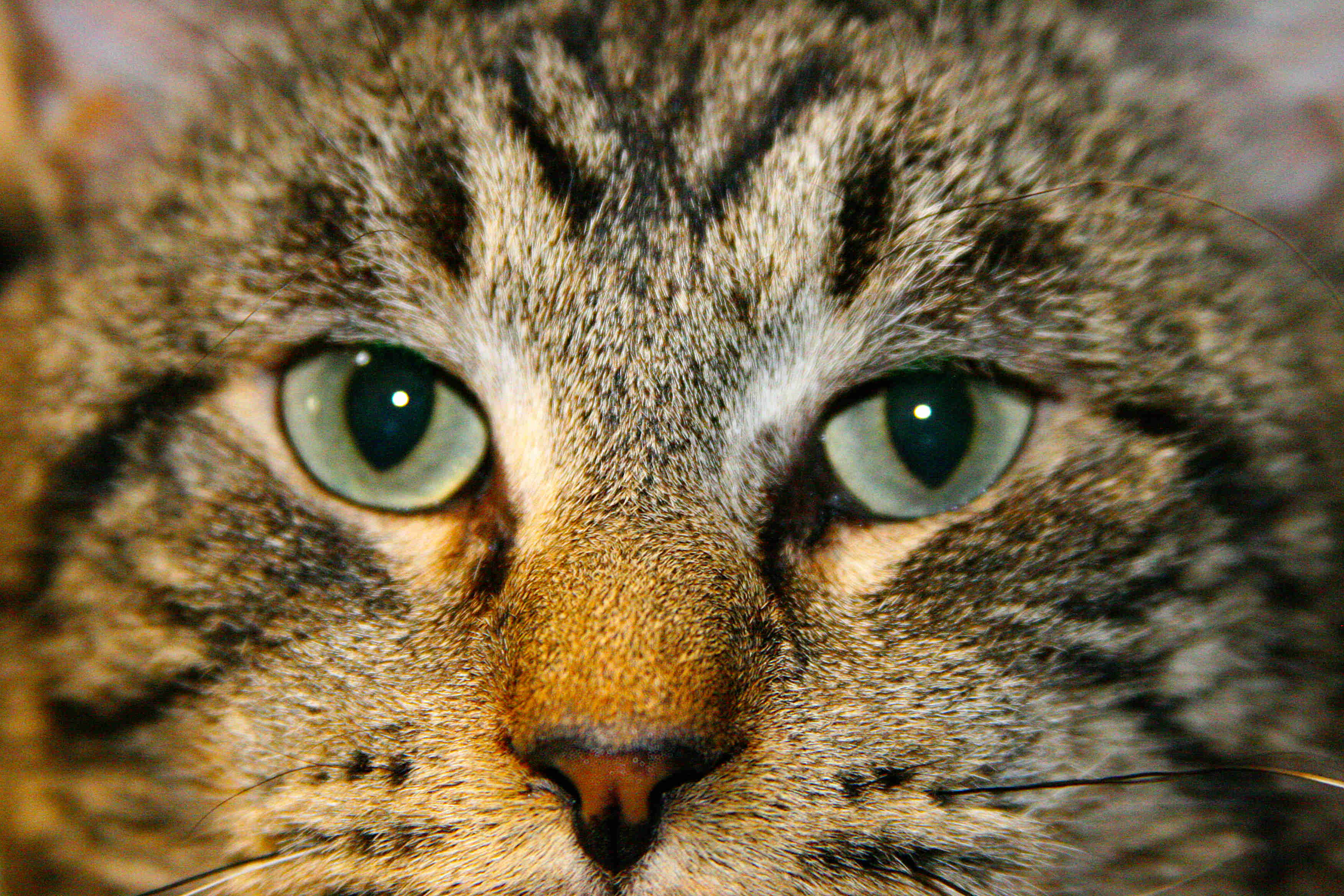
     My cat has also crashed again and I don’t think he is going to make it this time.  He is basically non-responsive now, I think his central nervous system is pretty much shut down and there isn’t anything left but to put him down.  Great cat, really a drag.

     All in all this weekend has been shit.  I guess it wasn’t so good for Jesus so could be worse I suppose.  At least Jesus resurrected, kind of doubt my cat will.
Next Cloud – New Apps

NextCloud Updates

     I updated NextCloud to version 13.01 and along with that update I also installed a bunch of new applications including a radio app that allows you to listen to a number of different station around the world.

     If you don’t have a NextCloud App on your I-phone or Android device, visit your play store and pick one up.  You can access anything you have stored here if you make it available, as well as many cool apps.

     You can also visit from any web browser at https://www.eskimo.com/nextcloud.

     The login and password are the same ones you use for e-mail, shell, and ftp access.

OCR Applications on our shell servers

OCR Applications on Shell Servers

CentOS6
gocr and unpaper
CentOS7
tesseract and unpaper
Debian
gocr, ocrad, ocrfeeder, ocrmypdf, ocrdjvu, python-pyocr andpython3-pyocr, tesseract-ocr
Fedora
gocr, ocrad
Mint
cuniform, gocr, gocr-tk, gscan2pdf, tesseract, unpaper, ocr, ocrfeeder, python-pyocr, python3-pyocr
MxLinux
gimagereader, gocr, gocr-tk, kooka-trinity, ocrad, ocrfeeder, pdfsandwich, python-pyocr, python3-pyocr, scantailor, unpaper, gscan2pdf, lios
OpenSuse
gocr, gocr-gui, kooka, ocrad, tessearact-ocr
Scientific
gocr, tesseract, unpaper
Scientific7
tesseract, unpaper, zinnia
Ubuntu
cuneiform, didjvu, gimagereader, gocr, gocr-tk, kooka-trinity, ocrad, ocrfeeder, ocrmypdf, ocrodjvu, python-pyocr, python3-pyocr, tesseract-ocr, zinnia-utils
Zannia
cuneiform, didjvu, gimagereader, gocr, gocr-tk, ocrad, ocrfeeder, ocrdjvu, pdfsandwich, python-pyocr, python3-pyocr, unpaper

In general the debian derived systems have a much richer software base.

Centos 6

   Well no it won’t be down again tonight as I tried the fix on a less traffic’d machine first and it did not work.  Code Intel claims fixes the problem doesn’t.  So it’s back to the drawing board for now.

CentOS 6

     I was able to obtain microcode from Intel that is supposed to mitigate spectre variant 2.  I’ve found documentation as to where to put it so that the kernel picks it up at boot time.  However, for reasons I do not understand even though I have copy host CPU information checked and the host is a Broadwell i7-6850k, KVM/Qemu keeps changing that to Skylake as soon as the machine boots so the microcode does not apply correctly.  I am thinking perhaps this is because this was originally installed on Skylake so to work around this I may move this virtual domain back to a Skylake based machine. 

     CentOS 6 and Scientific Linux 6 will both be down for about an hour tonight to migrate them back to the hardware they were initially installed on.

MxLinux Maintenance

     I am going to take MxLinux down for about 90 minutes to image the machine, now that the x2go issues are resolved, so that if I have to restore it from backups, it is restored in to a working state.

MxLinux X2Go Fixed

     With the help of RIck Bressler, I found there was an issue with monkeysphere and certain directories in $PATH and x2go.  So ended up removing monkeysphere which then made x2go work again.

MxLinux X2Go down

     Presently “x2go” is not working on mxlinux for regular users, it is only working for the root super-user account.  I am still troubleshooting and it will probably take a few days as I’ve run out of ideas and am consulting the authors.


Glhack – A Graphical Nethack

     Those of you who remember the old terminal game nethack may wish to give glhack a try.  It’s nethack with a full color graphical display rather than the old terminal interface.

     To use it you’ll need to have x2go installed on your machine.  X2go can be obtained for free for Windows, MacOS, and Linux platforms from https://wiki.x2go.org/doku.php

     It gives you a graphical desktop access to our shell servers (except for the ancient ‘eskimo.com’ SunOS machine, that machine does not have enough memory to support a full graphical environment).  It provides a full graphical desktop with mouse and keyboard and sound, also remote printing and the ability to mount your directory here locally on your machine or some portion of your local file system here.  There is also the ability to use USB devices remotely but I have not mastered that one yet.

     Anyway, if you have not yet installed x2go on your machine, please consider doing so, it’s a secure way to connect with full graphics, sound, keyboard, and mouse, and even remote printing, to any of our Linux shell servers.

     Glhack and many other graphical games are available on mxlinux.eskimo.com, our newest addition to our shell servers.  It is located in /usr/games, so if /usr/games is not in your path then you will need to invoke it as /usr/games/glhack.